Workforce technology company using AI and machine learning to provide labor market intelligence for fast-moving industries
Career Map Redesign
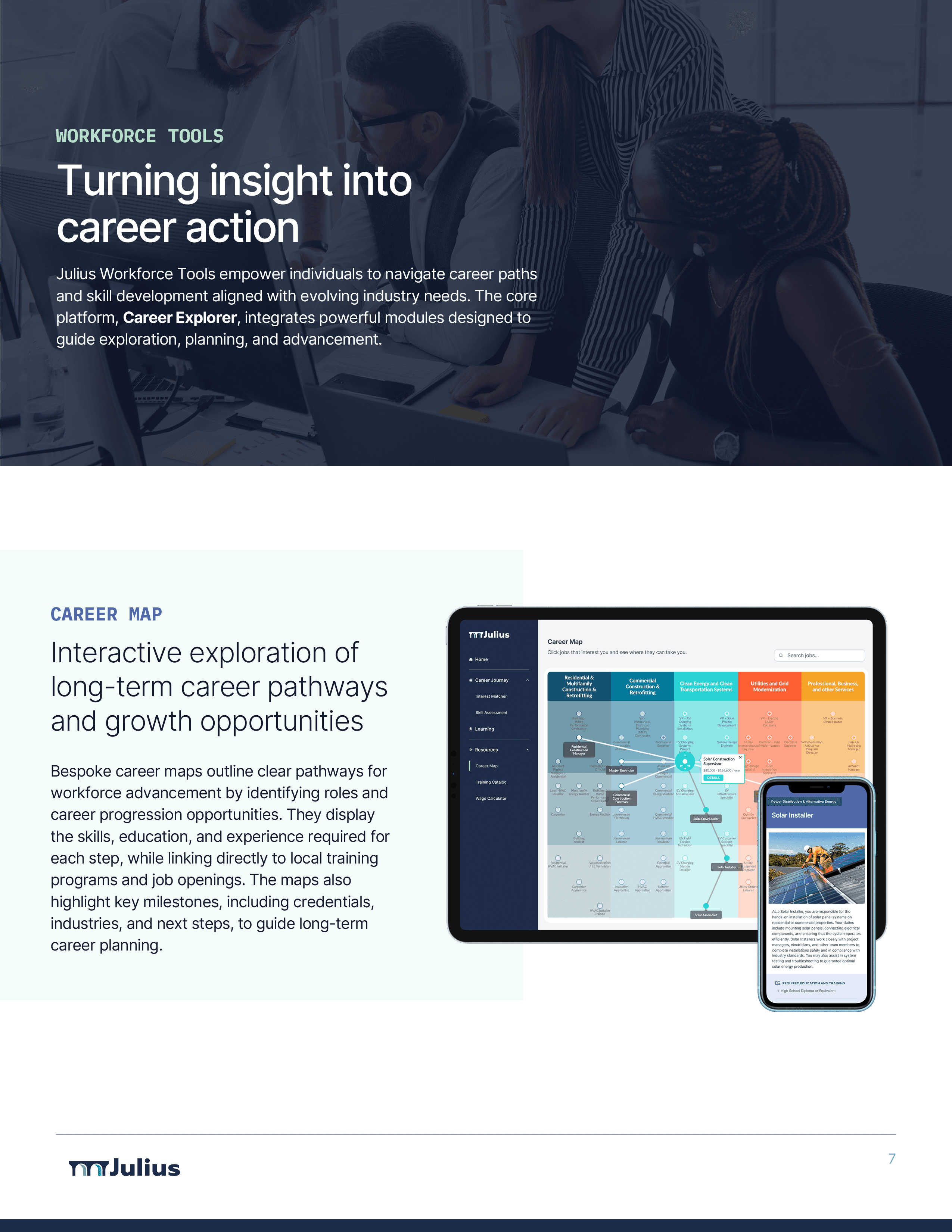
Career Maps are a cornerstone of Julius' workforce development tools, leveraging labor market intelligence to provide a comprehensive set of career pathway information spanning real-world industries. The map includes insight into salaries, job opportunities, training programs, and growth opportunities from entry to senior level roles. After an initial UX audit, I've iterated through multiple design avenues, including a mobile-focused version, a conversational AI assistant, drag-and-drop functionality, a sticky path builder, and more.
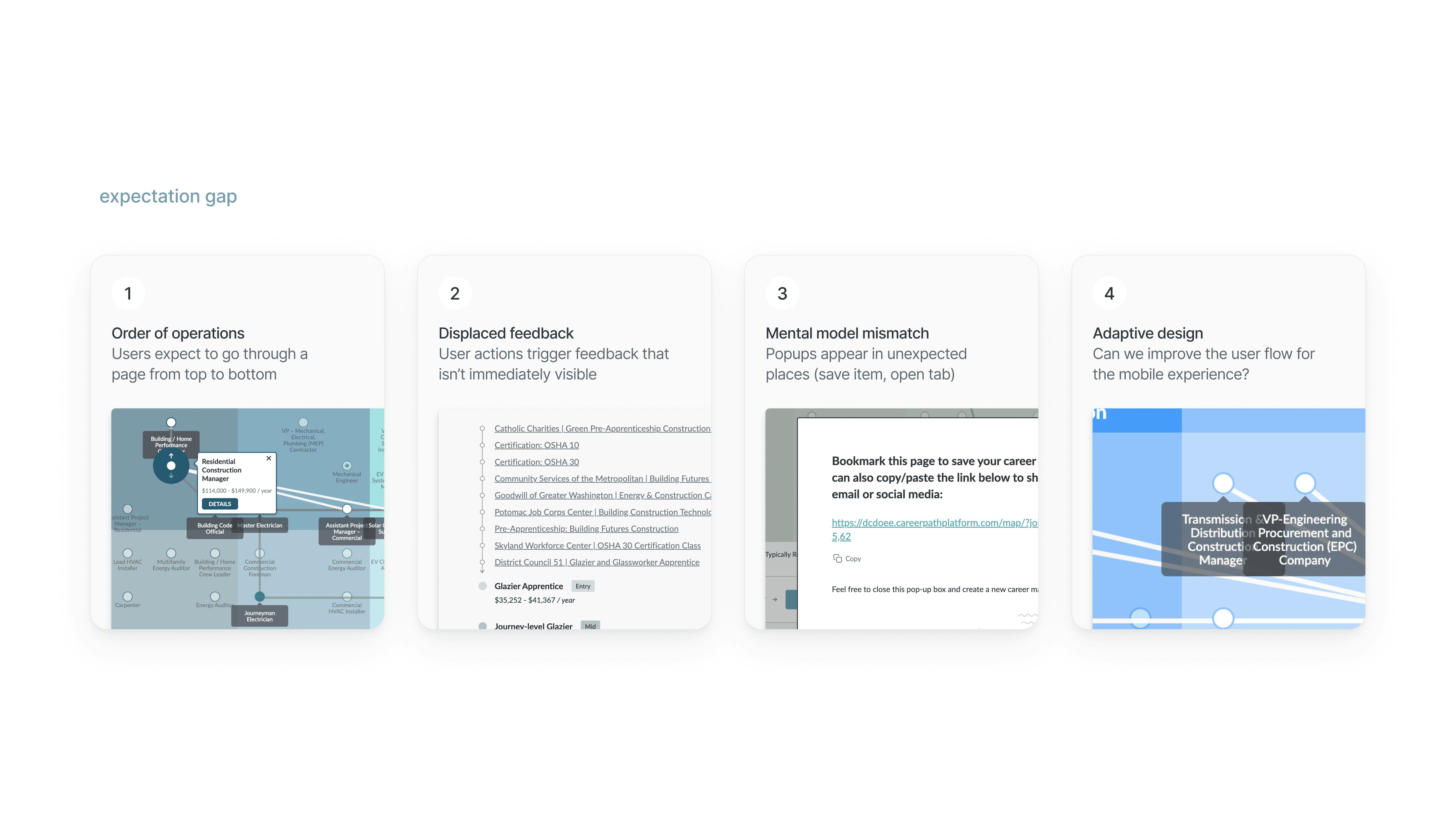
Before embarking on the redesign, I audited the existing career map from a usability and accessibility standpoint, noting some key features that could be improved, such as streamlining the user flow in a way that matched up with a potential user's mental model.
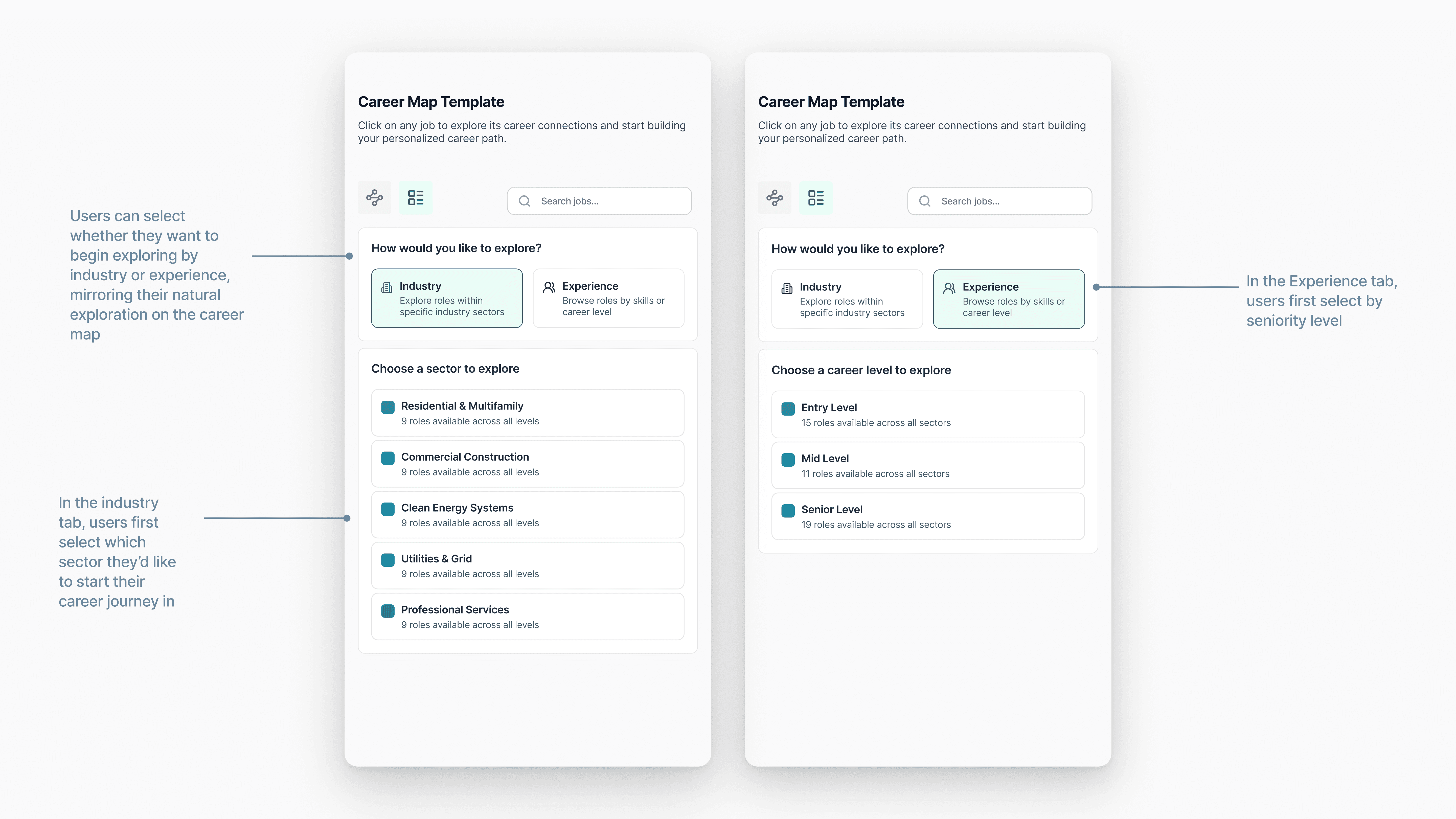
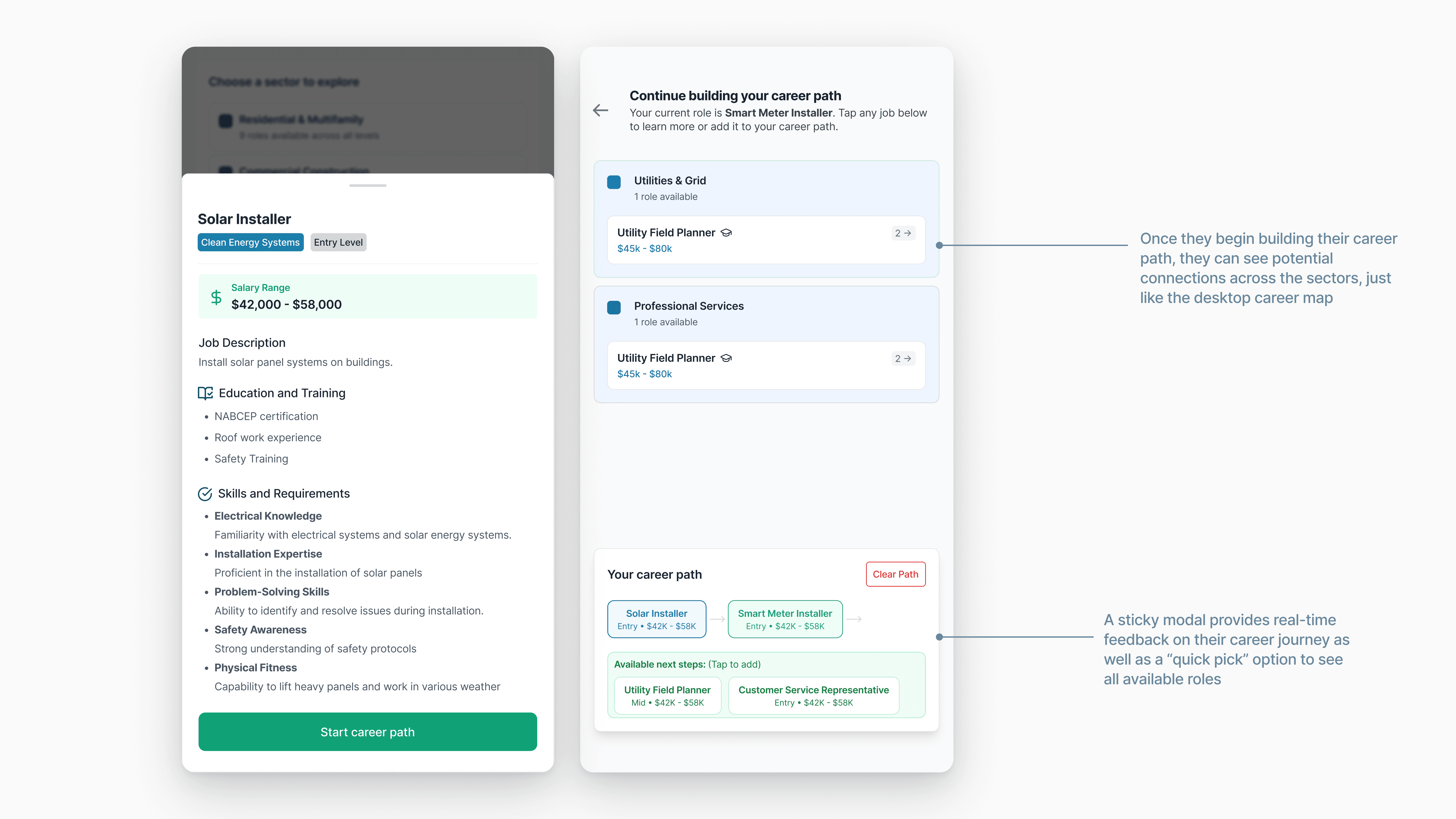
Julius helps jobseekers by simplifying complex labor data into actionable and clear pathways. An AI assistant takes this to the next level with personalized feedback. I also wanted to explore making the tool more playful, with features like slide-out modals, drag-and-drop cards, and a cohesive color palette.
Career Map / Integrated AI Assistant
The AI Assistant seamlessly integrates with the rest of the page, actively influencing options and adding contextual tags based on the user's requests and concerns.
Career Map / Integrated AI Assistant
The assistant was designed to offer suggestions, actively influence results, but also leave space for the user to build their own path and explore the added information.
Career Map / Progressive Disclosure
One of the issues with the old career map was an excessive amount of information presented at once. With this iteration, I focused on giving the user more control over how and where information is presented to them, with intuitive search / filter and expand / collapse features.
Career Map / Drag-and-Drop Cards
A core part of the original career map was its spatial experience — a visual "path builder" effect that encourages the user to keep building. I explored how to maintain this spatial aspect with different layouts.
Career Map / Slide-out modals
The career map necessitates many layered levels of information. How might we make all information feel accessible, without overcrowding the display experience?
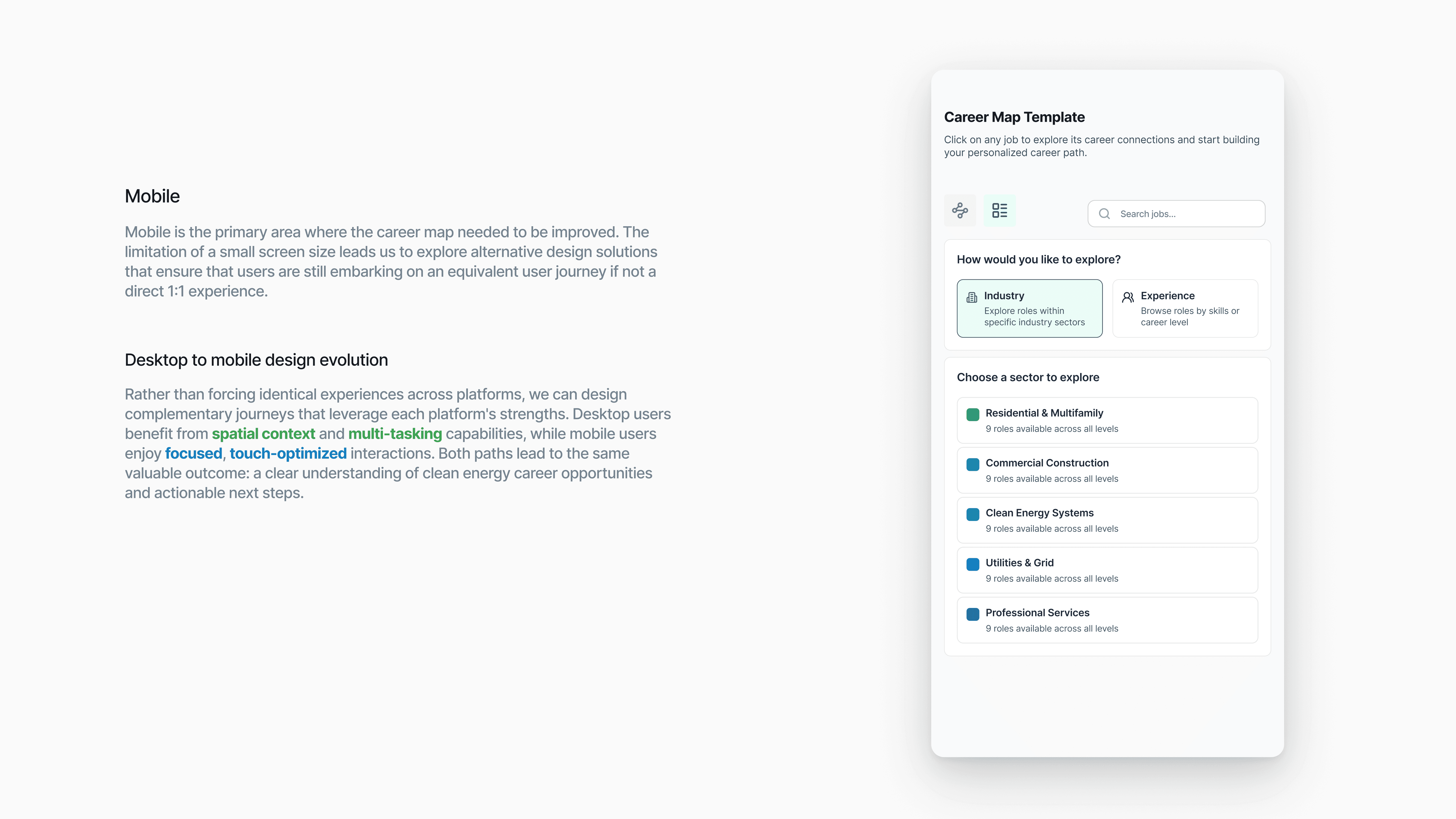
The core functionality that clients wanted to see from the Career Map was usability on mobile. This was a unique challenge due to the spatial nature of the experience and the dense, layered levels of information provided. To combat this, I developed an iteration that gave users the option to switch between map and list views.
Career Map / Progressive Disclosure
One of the issues with the old career map was an excessive amount of information presented at once. With this iteration, I focused on giving the user more control over how and where information is presented to them, with intuitive search / filter and expand / collapse features.
Supply Chain Explorer
The Supply Chain Explorer feature was designed to help learners and industry professionals alike get insight into industries that operated in the supply chain process, with each industry sector flowing into the next.
Supply Chain / Progressive Disclosure
Incorporating accordion-style modals to include large amount of dense career pathway information in an easily navigable format.
Supply Chain / Microinteractions
Since the Supply Chain Explorer was geared towards learners and jobseekers, I wanted to make it as engaging and interactive as possible. This included subtle animations and microinteractions as you hover over icons and stages, and a page that felt actively responsive to your touch and exploration.
Supply Chain / Tooltips and Contextual Information
These industries are often quite dense with new information, so adding helpful explanations, tooltips, expandable images, and labels make a huge difference in making the information feel more digestible and accessible for learners of all backgrounds.
Training Catalog
The Training Catalog was a new feature initiative to add to the Career Explorer, to supplement the existing Career Map, Learning Modules, Skill Assessments, and other workforce technology tools. This tool would be used in tandem with the career map in order to highlight local and regional training programs that laid the groundwork for careers in a range of industries.
Training Catalog / Search and Filtering
Training Catalog / Search and Filtering
Design System
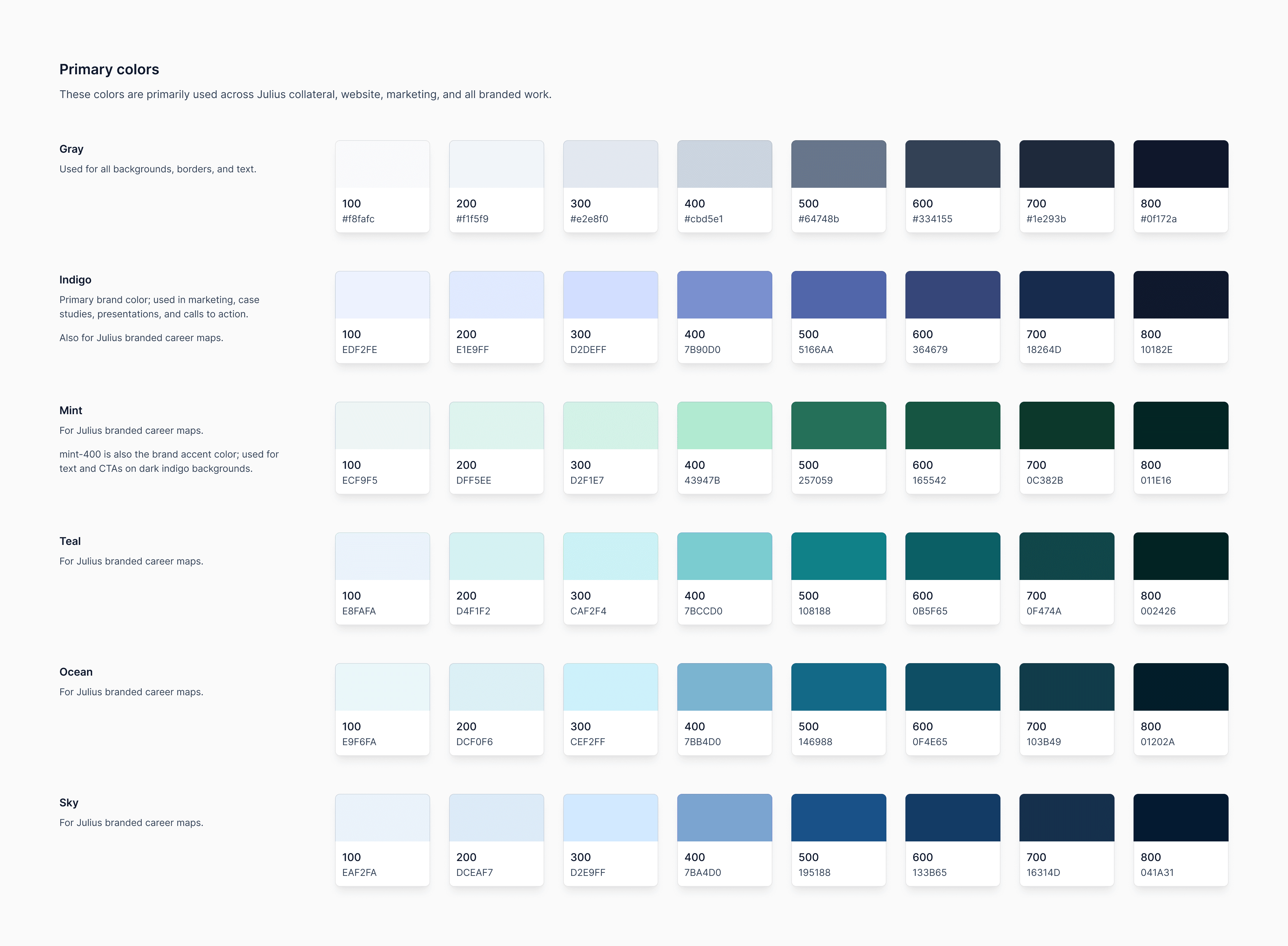
One of my initiatives was to spearhead a comprehensive design system, beginning with a consistent color palette. Lacking prior guidelines, design decisions had evolved over time without any proper documentation. I began by holistically auditing all of Julius' product offering, and building out a brand color palette that would work across a variety of different contexts. We landed on a core set of brand colors that ranged from indigo to emerald, the blend of blues and greens highlighting Julius' focus on both tech innovation and clean energy markets. This project is still in progress!
Case Studies & Marketing Collateral
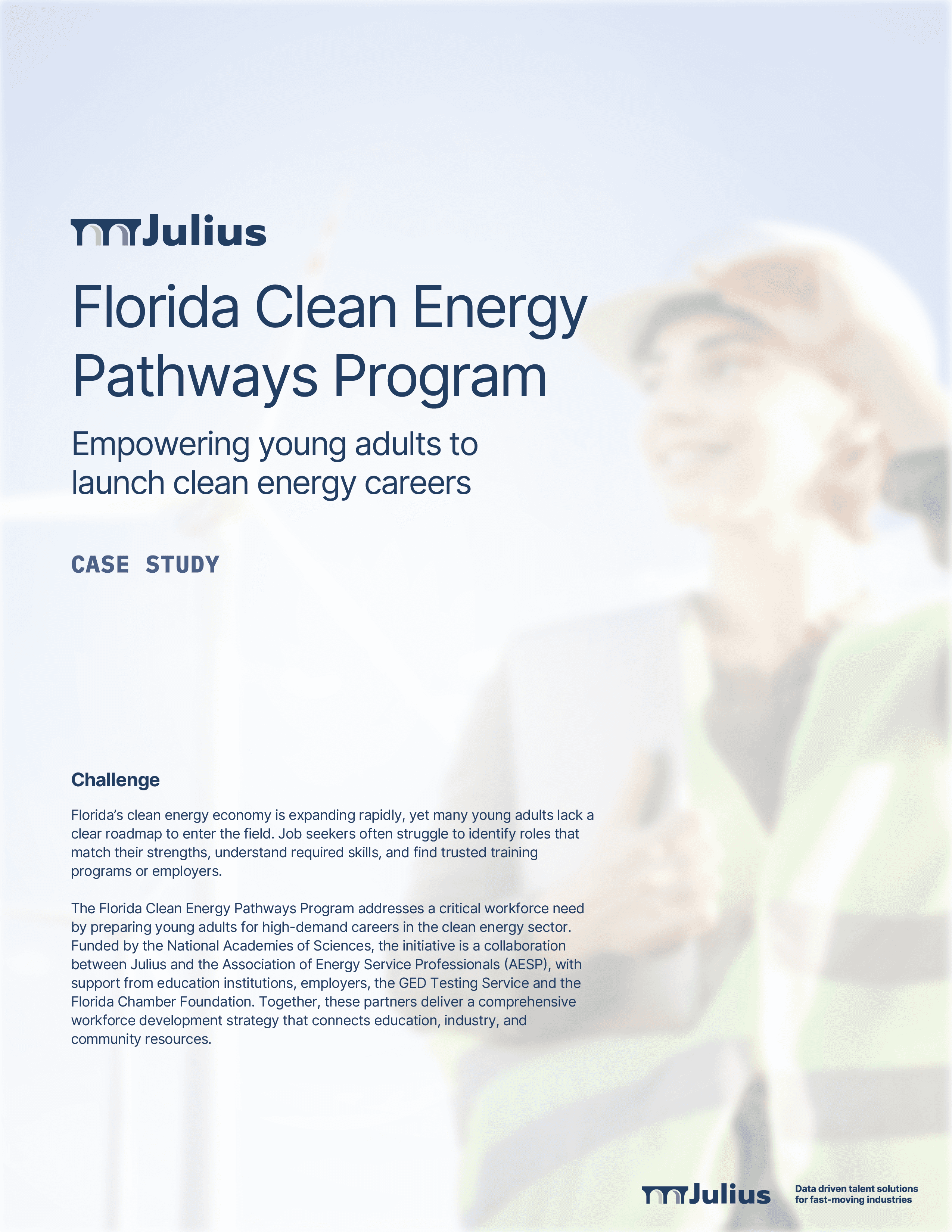
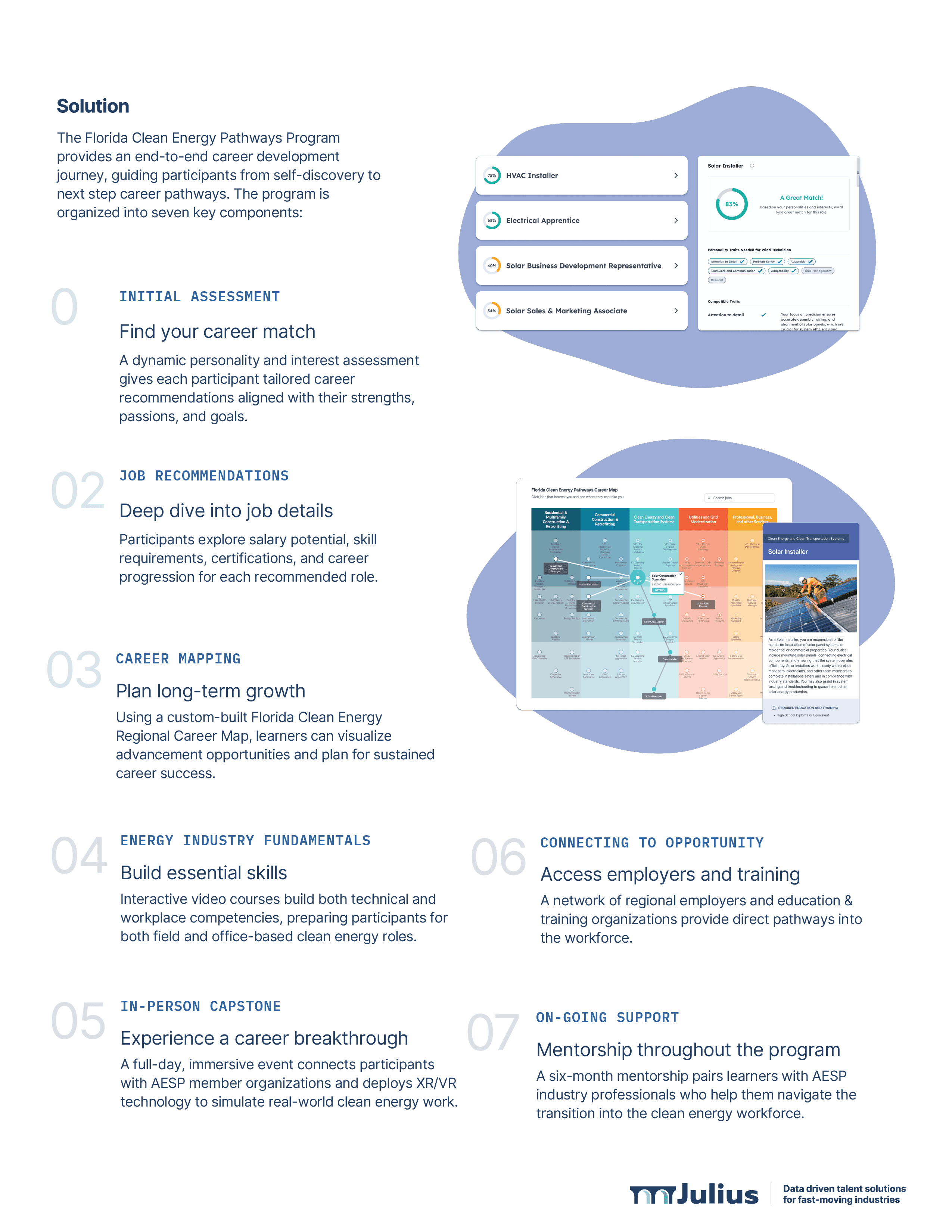
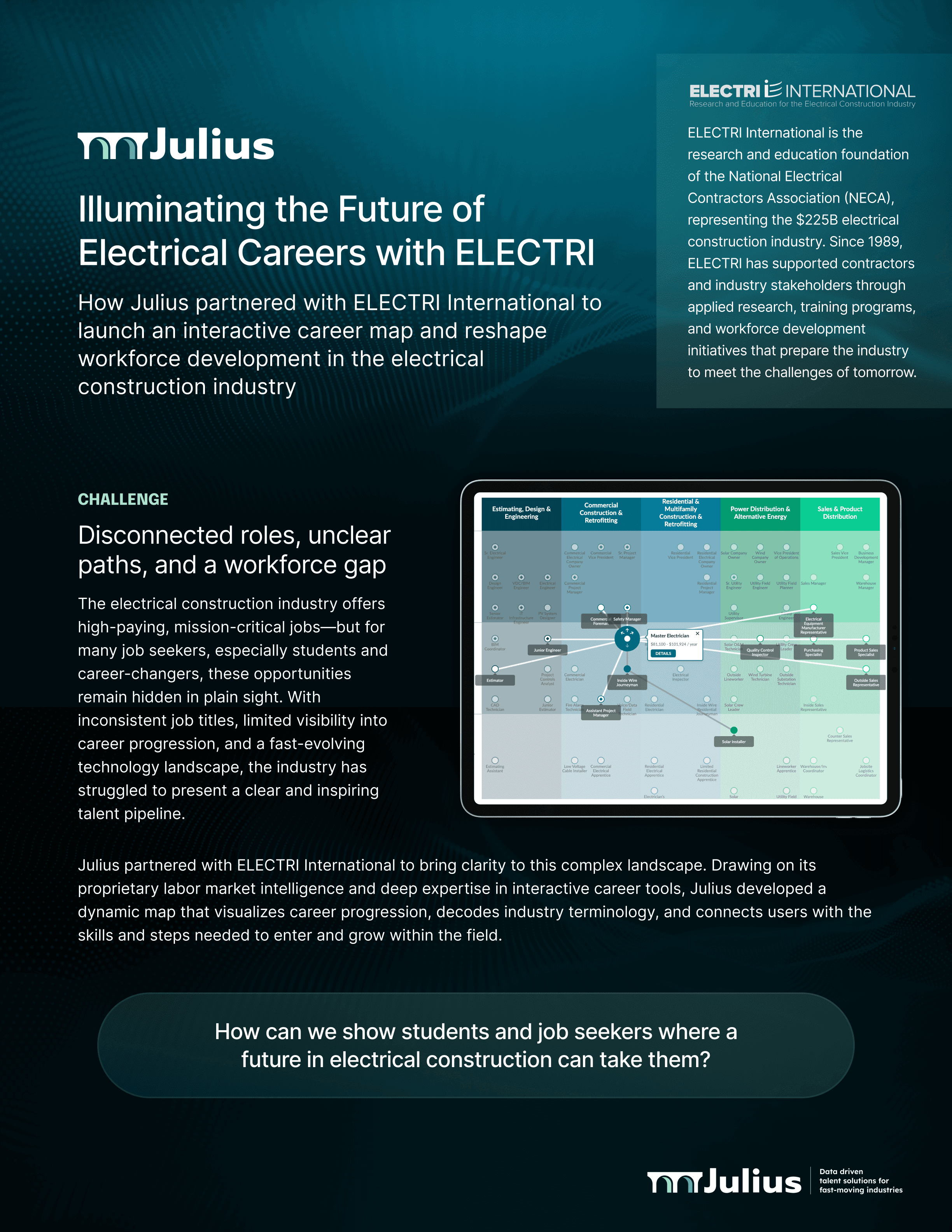
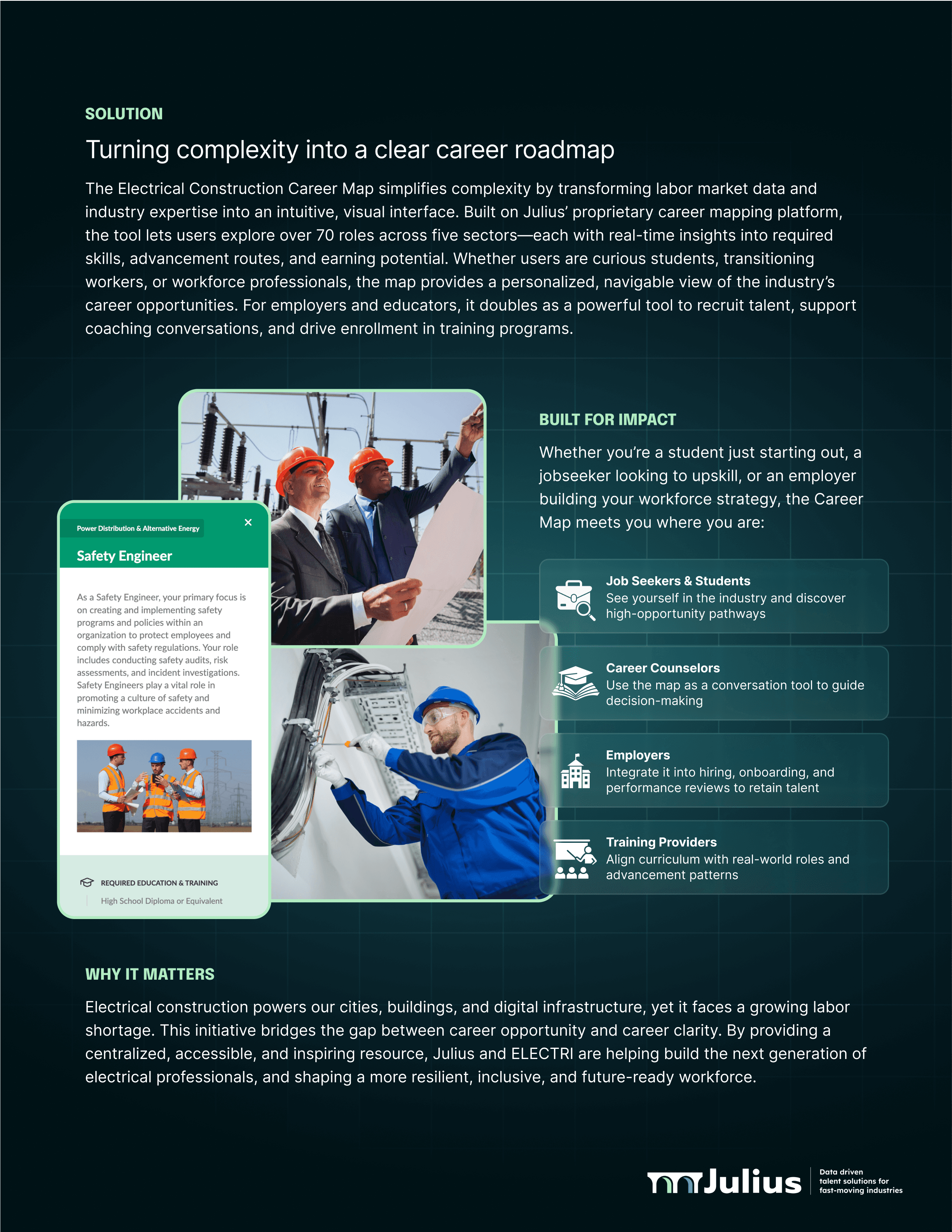
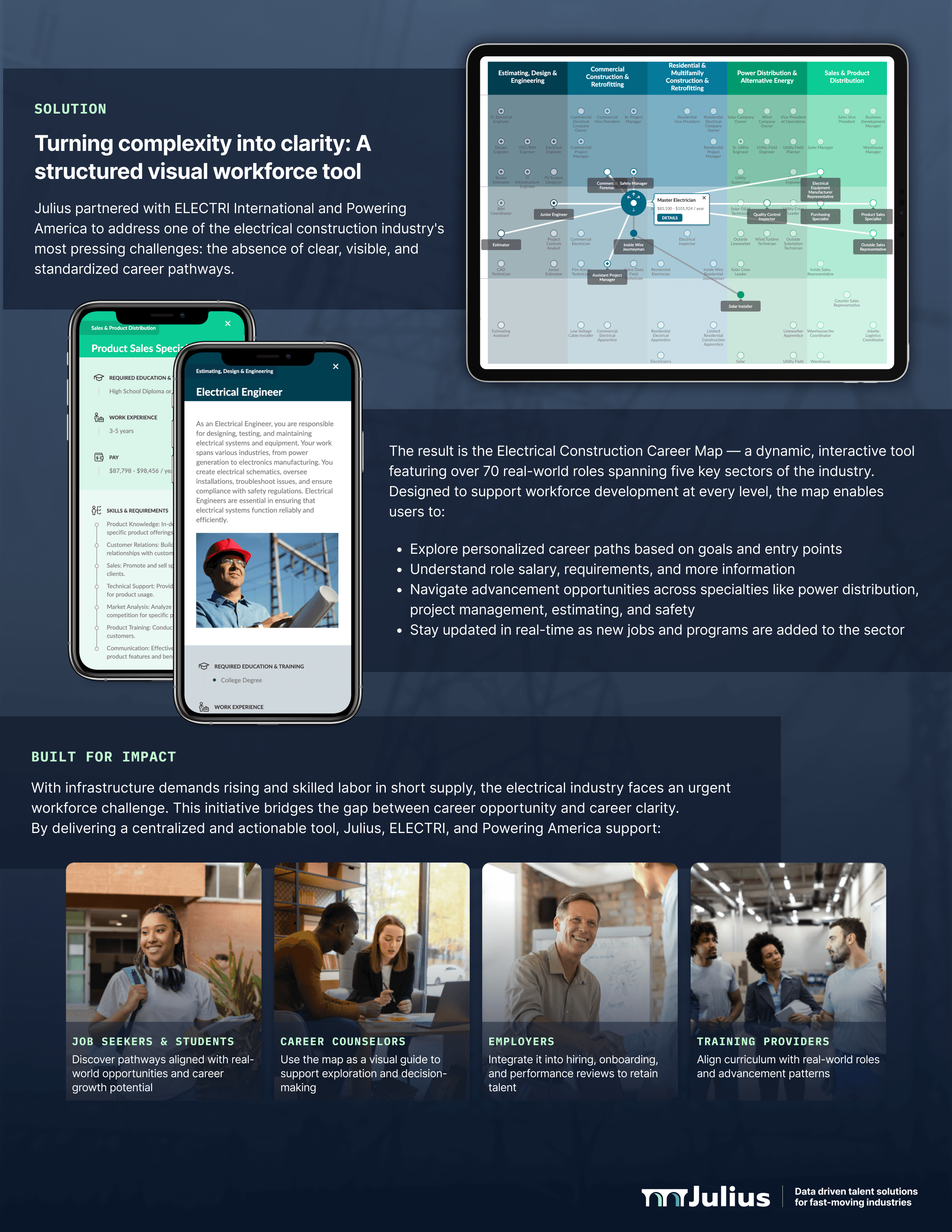
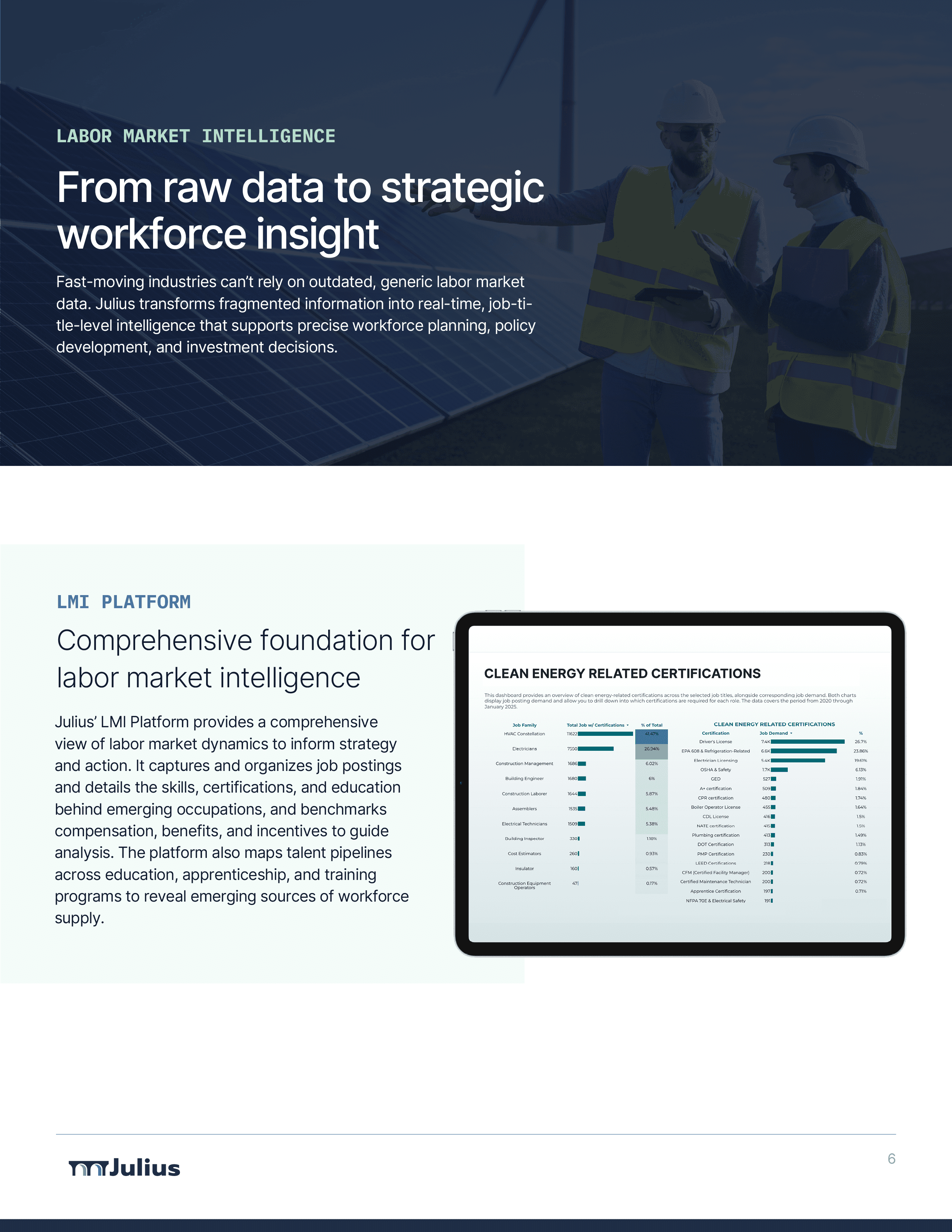
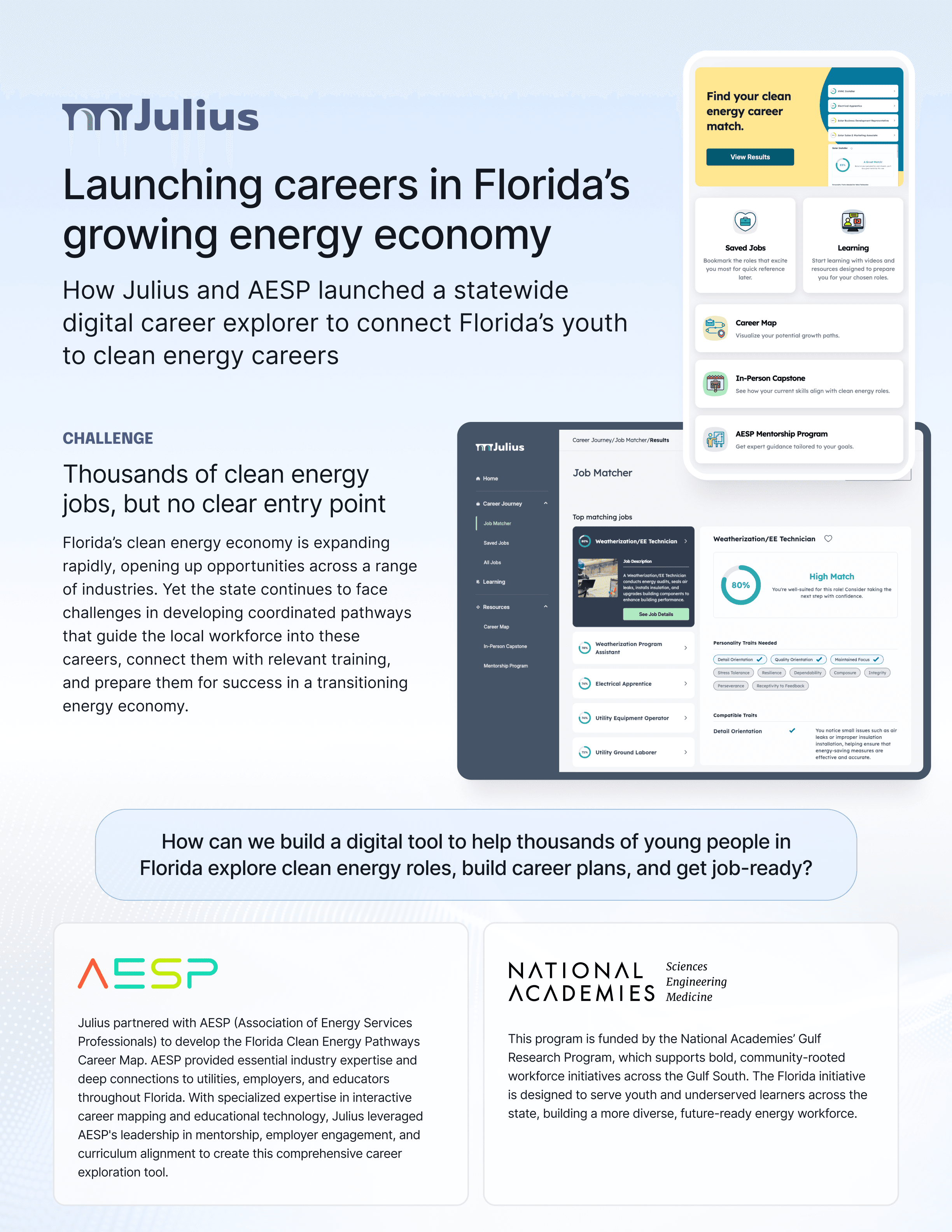
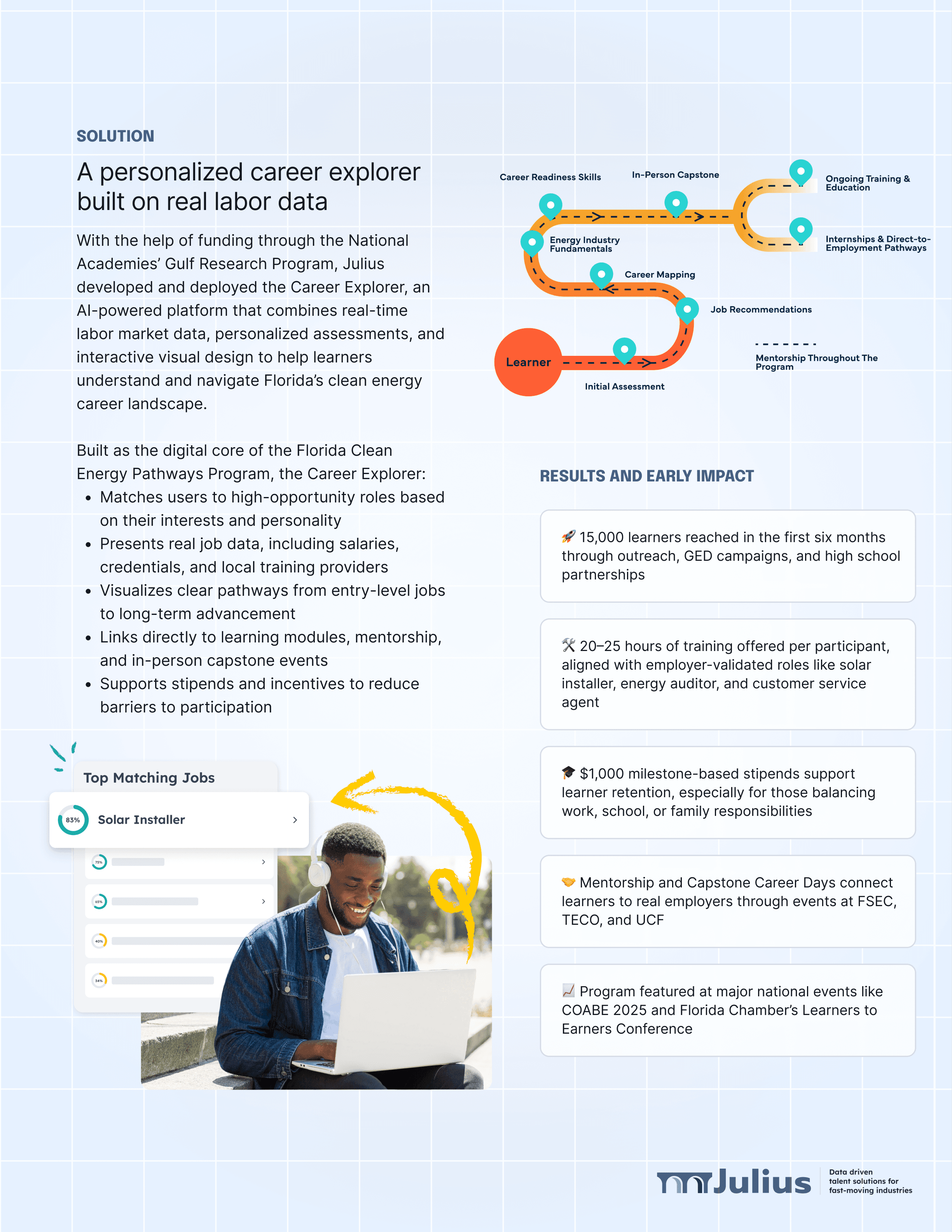
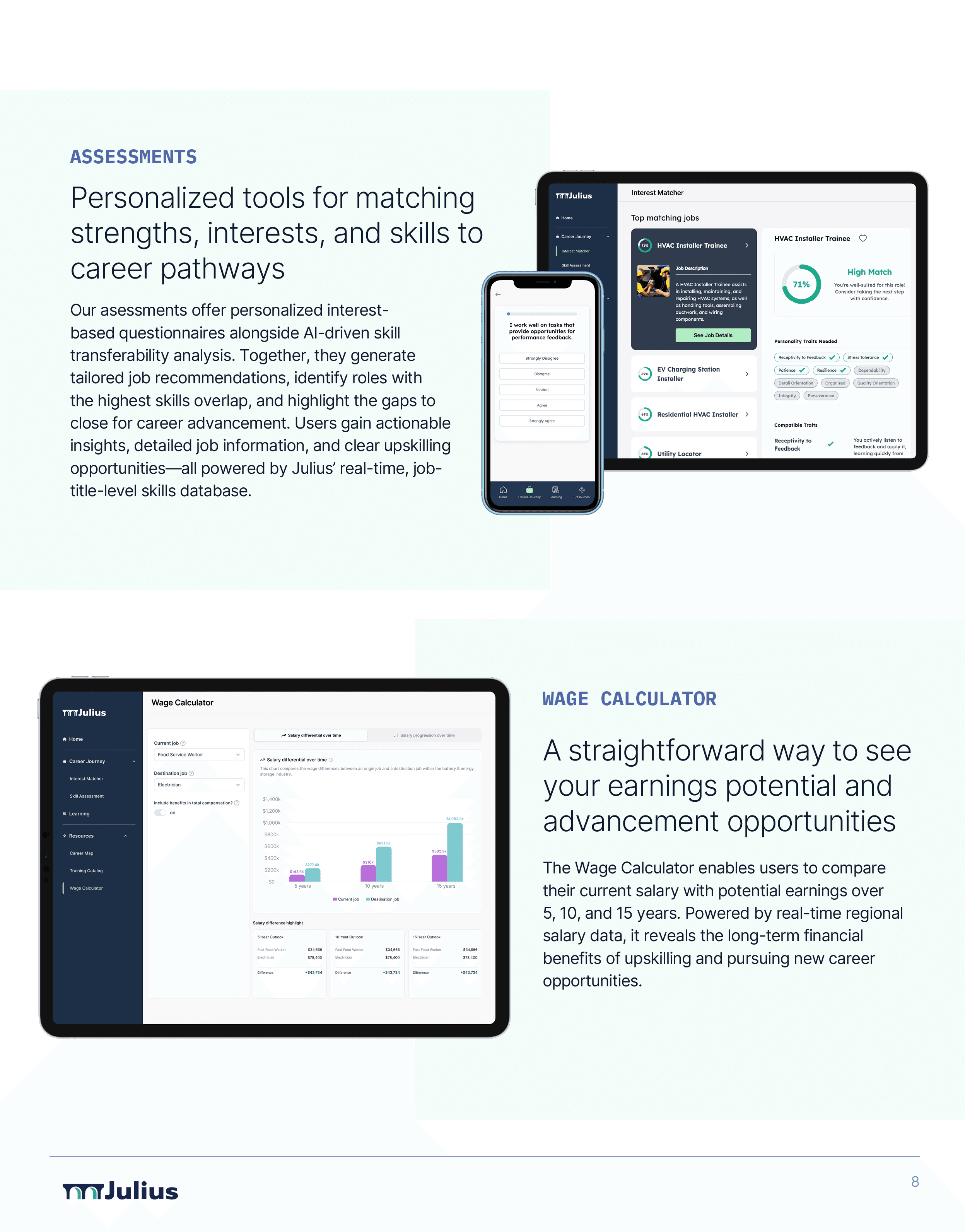
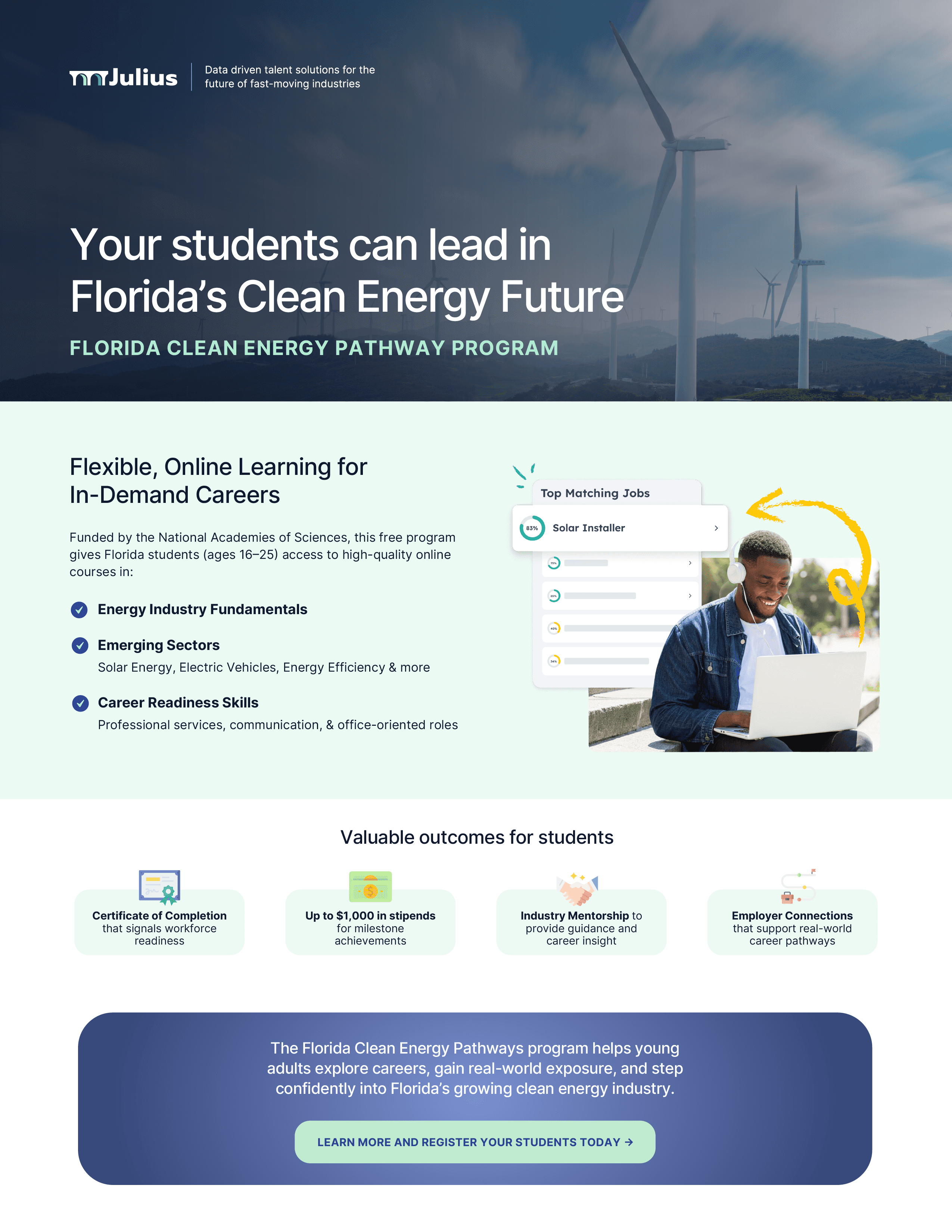
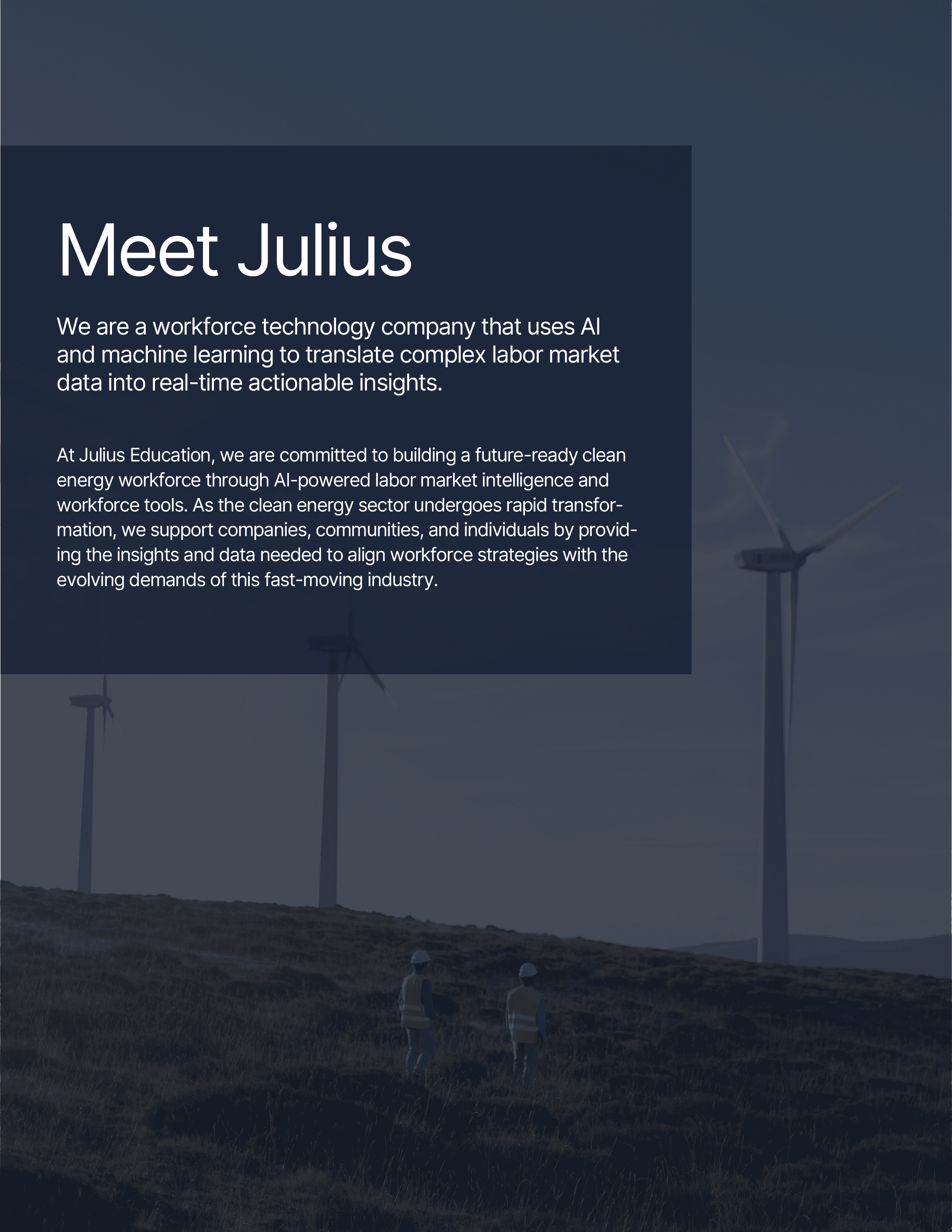
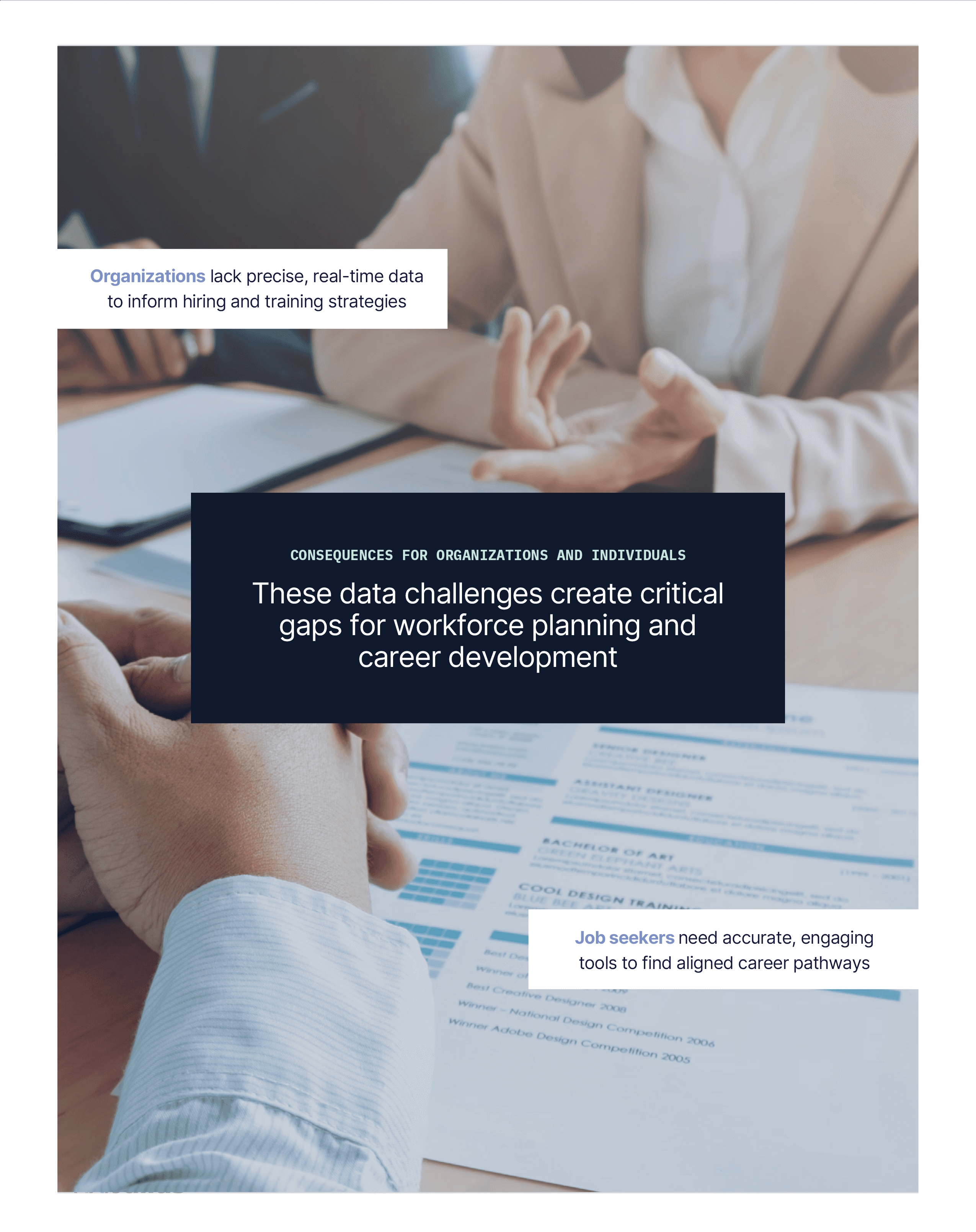
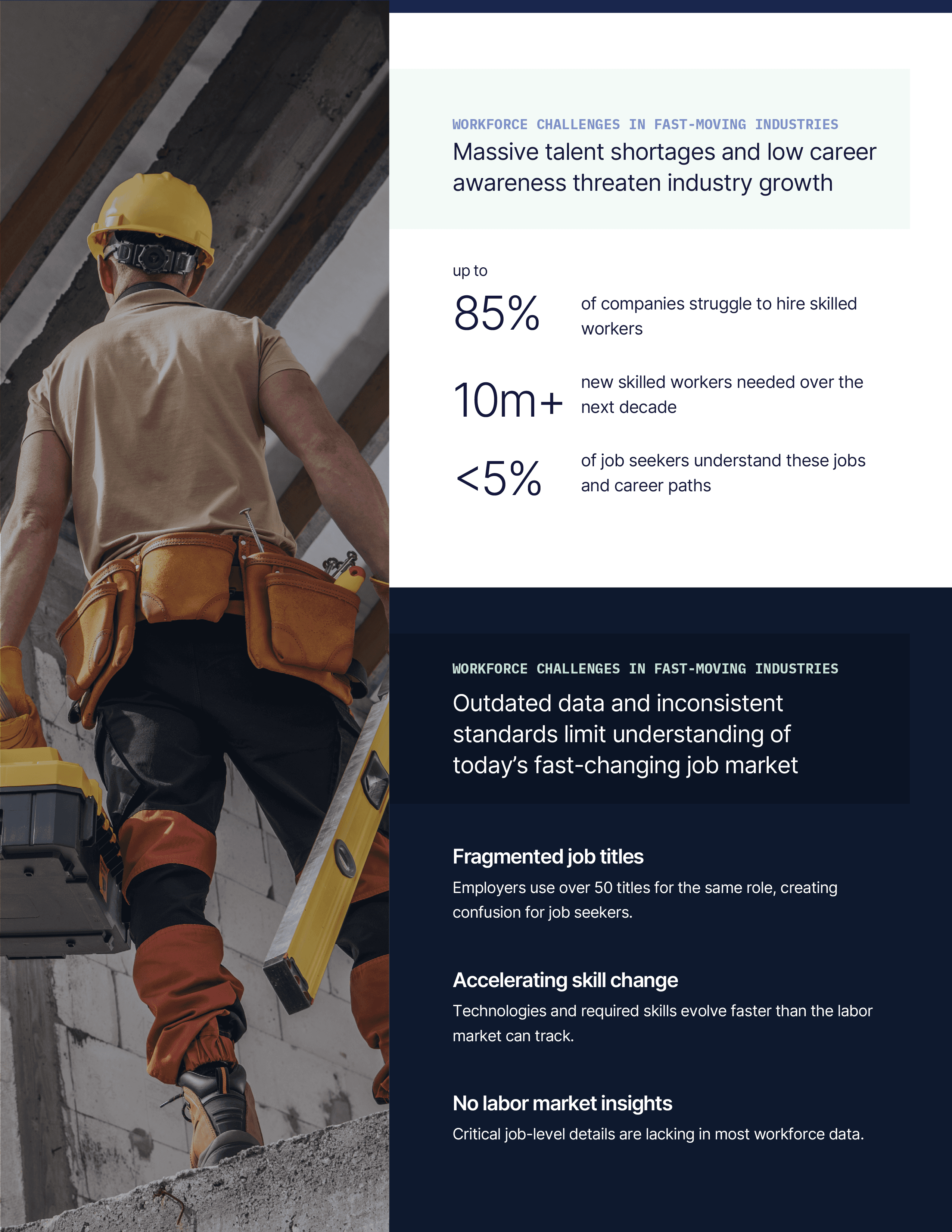
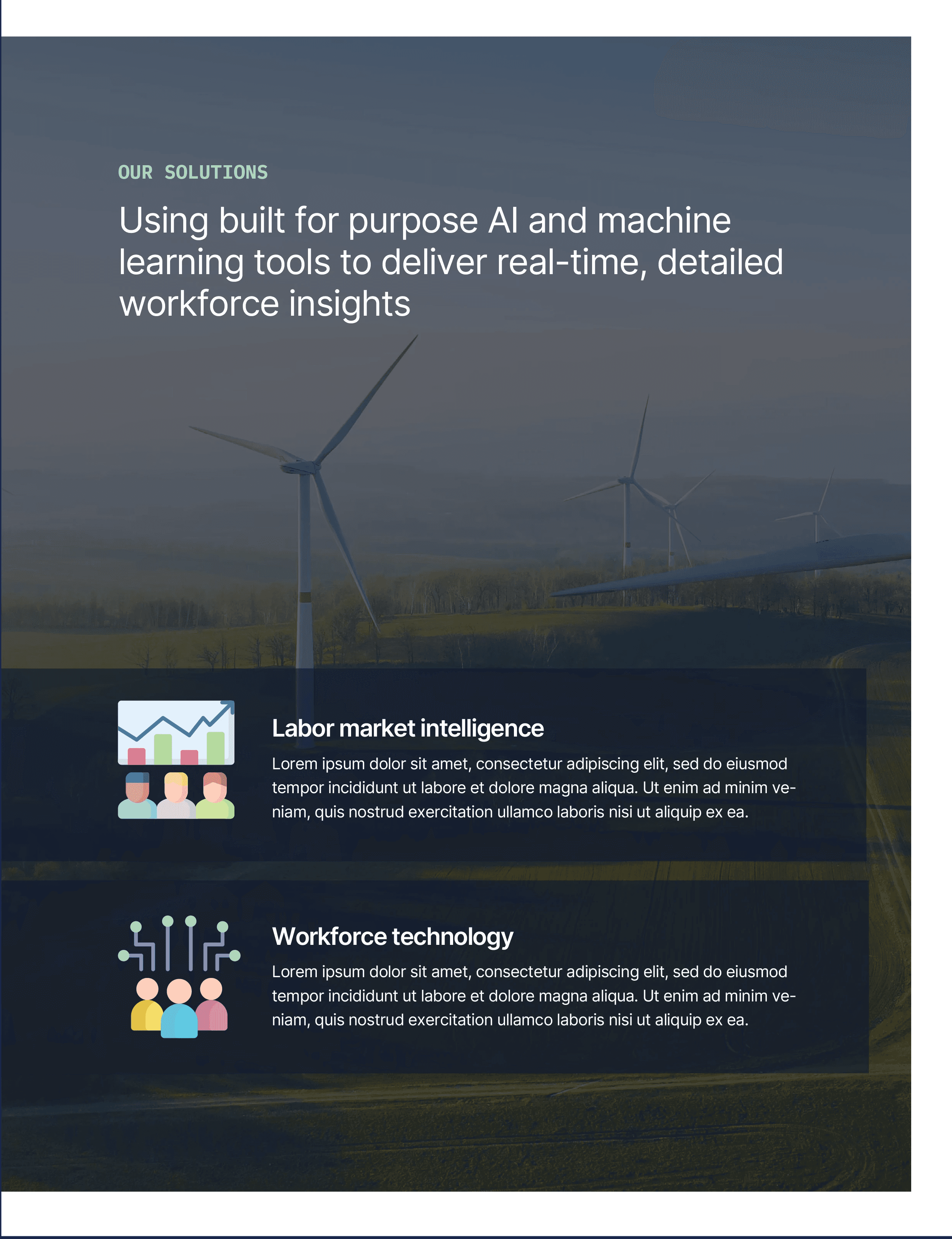
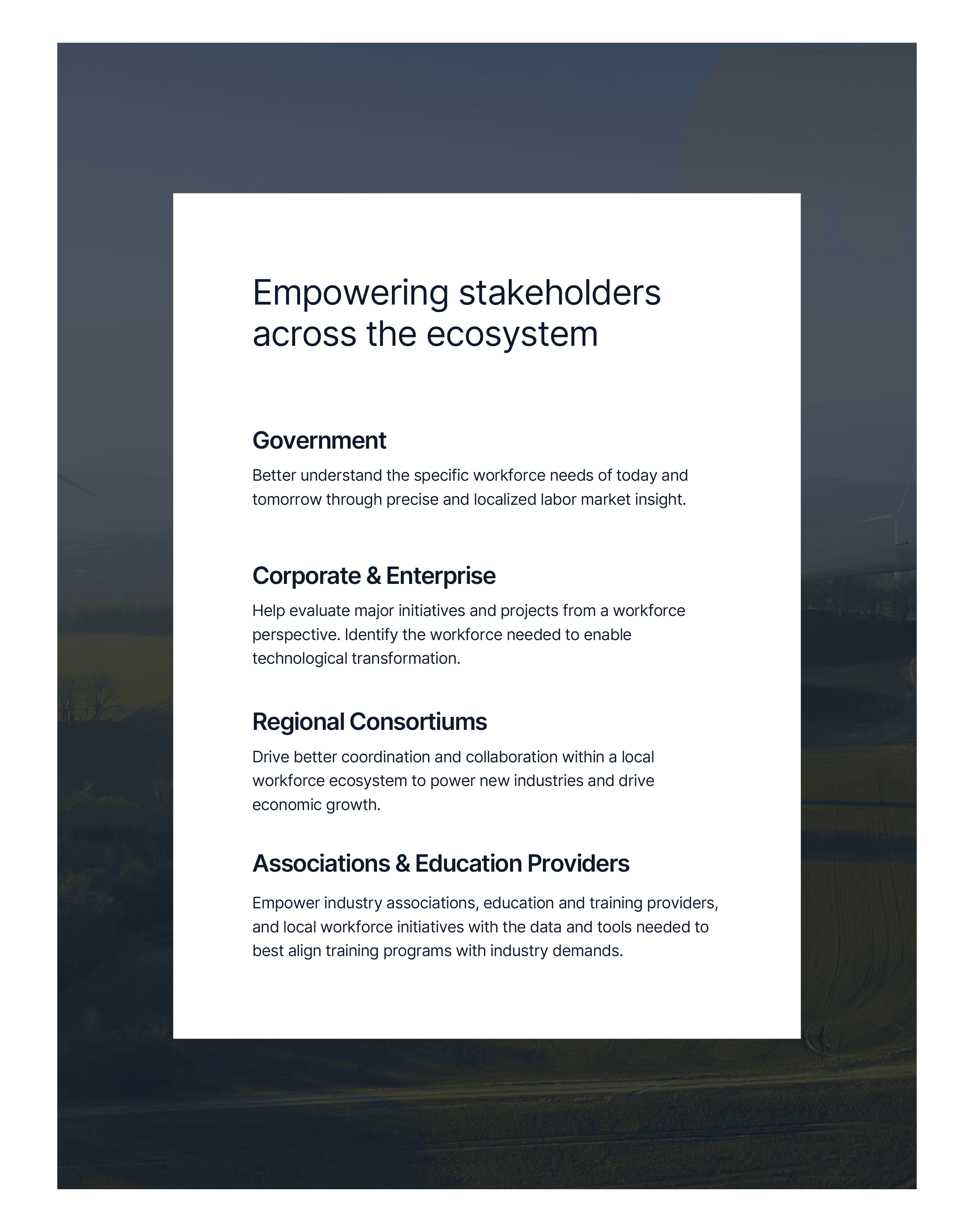
Alongside my product design initiatives, I also contributed to graphic design needs in the form of client case studies, company brochures, and any general marketing collateral.


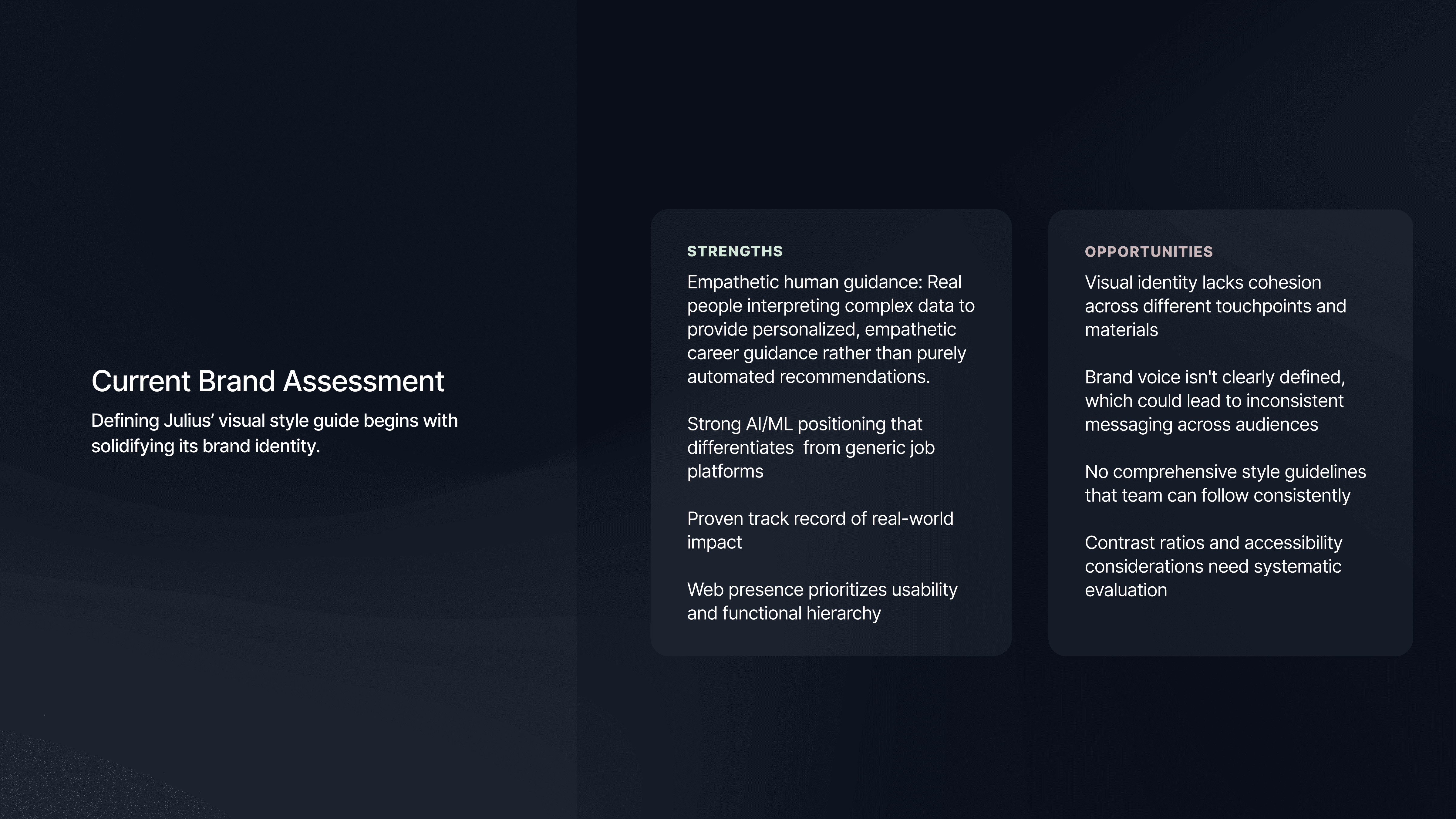
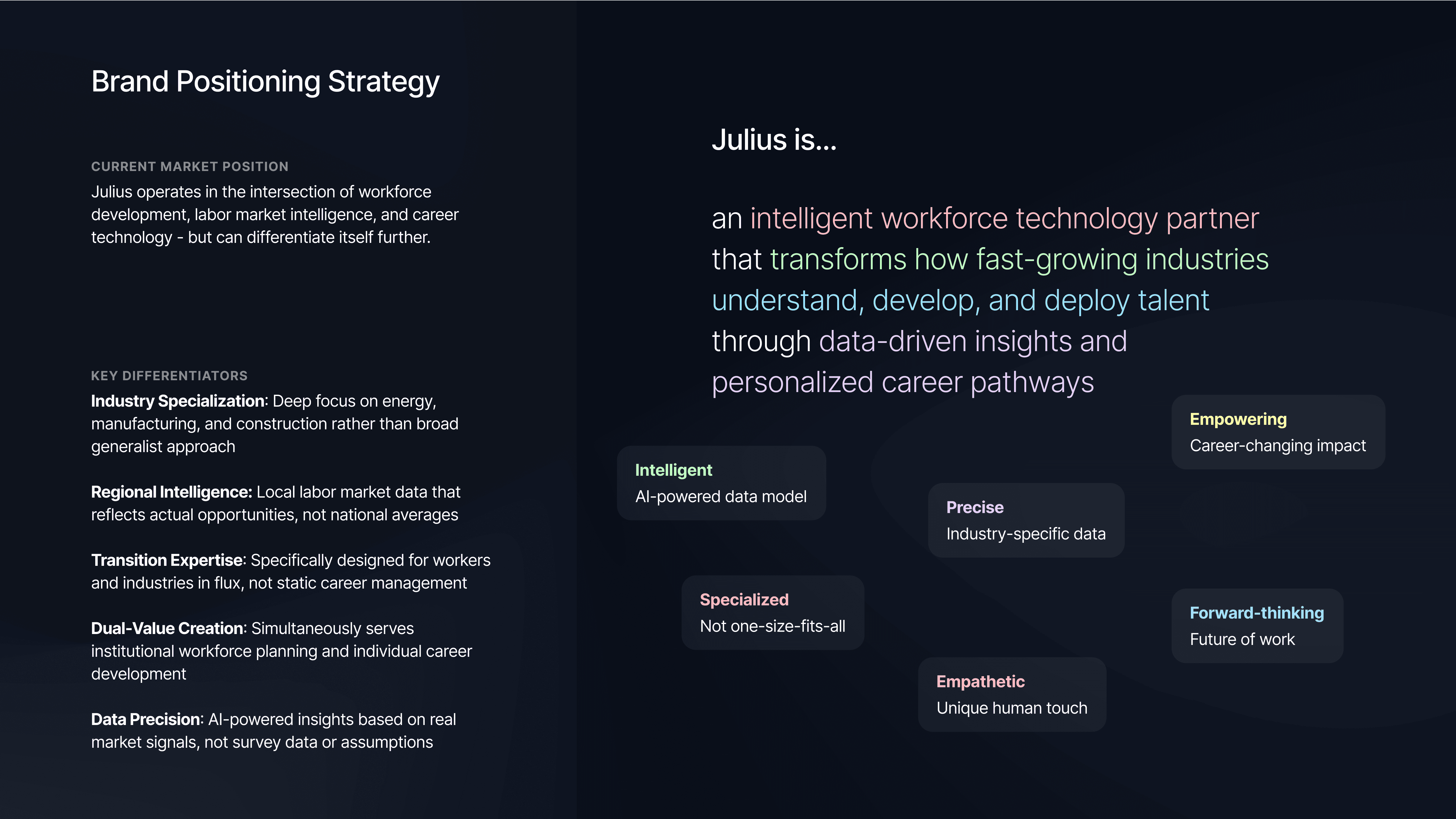
Brand strategy
The goal of this initiative was to help build a cohesive visual identity that speaks effectively to both organizational partners and individual job seekers as Julius grows in the competitive workforce technology space. This is also still a work in progress!